What is Collov AI?
In the rapidly evolving realm of real estate presentation, the process of styling an empty listing has undergone a massive shift away from high labor costs and long rendering times. Collov AI (collov.ai), a San Francisco-based design technology developer, stands out as a highly ambitious competitor in this space. Ranked #3 in our benchmark of the best virtual staging software for 2026, it positions itself as a comprehensive listing-media platform that expands far beyond basic furniture staging as users climb its plan tiers.
Unlike simple single-purpose staging portals, Collov AI structures its tiers around distinct functional categories rather than simple volume upgrades. At the Standard level, it operates as a focused staging-only tool, rendering furniture layouts and executing simple furniture deletions. Moving to the Advanced tier unlocks a comprehensive photo-editing workspace featuring conversational edits, material replacements, and full environmental swaps. The Premium level introduces virtual tour capabilities, video generators, and multi-angle hybrid design solutions, while the Enterprise plan integrates API capabilities. This functional structure requires users to select plans based on the creative features they actively need, rather than strictly focusing on image credits.
This deliberate category-based progression makes Collov AI highly compelling for modern real estate brokerages, marketing teams, and professional listing photographers. Instead of juggling separate subscriptions for virtual staging, twilight conversions, yard enhancements, and virtual tour videos, users can execute their entire digital property styling workflow within a single dashboard. By integrating advanced spatial intelligence and comprehensive media tools, Collov AI seeks to establish itself as the definitive all-in-one media generator for active real estate professionals.
How we evaluated it
Our evaluation process at Virtual Staging Report is anchored strictly in independent, objective analysis. Rather than repeating vendor promotional promises or unverified marketing materials, we conduct a structured assessment of what the platform actually offers real estate professionals.
For this review, we examined Collov AI across several core dimensions: we analyzed the vendor's published capabilities, plan structures, and sample outputs across each pricing tier; evaluated workflow ergonomics from upload to export; compared its functional tier progression against leading competing platforms; and systematically reviewed verified public user feedback on Trustpilot, G2, and product communities to assess real-world reliability, image clarity, and customer satisfaction.
- Feature & Plan Architecture: Reviewing the vendor's functional progression across standard staging, photo editing, and virtual tour tiers.
- Workflow & Interface Usability: Examining navigation, style selectors, and conversational prompt controls.
- Market Comparison & User Feedback: Benchmarking commercial terms, credit policies, and verified public sentiment.
Staging quality: how realistic are the results?
The primary concern for any real estate professional using virtual staging is the final visual quality of the rendered images. If digital furniture looks floating, flat, or out of proportion, prospective home buyers browsing online portals will instantly notice the low-quality edits. A poorly staged photo can deter buyers from scheduling in-person showings, undermining the core purpose of your marketing campaign.
Our evaluation shows that Collov AI delivers highly polished spatial awareness. The platform's automated models analyzed empty wide-angle interior shots with impressive precision, accurately placing sofas, tables, area rugs, and decor elements to match the room's true dimensions. Added items are grounded with soft, realistic shadows that reflect natural window light, creating a strong sense of physical depth. While the final renderings are highly polished and slightly stylized, they are exceptionally clean and meet the requirements of premium MLS listings.


One notable advantage is that Collov AI grants commercial usage rights across all its paid plans. This is a critical factor for listing coordinators, property management groups, and professional photographers who require clear legal protections for their marketing media. Additionally, while the Standard tier is primarily automated, it allows for easy style regenerations, enabling agents to run multiple iterations to find the layout that best aligns with their property's target aesthetic.
Beyond staging: photo editing, twilight, and virtual tours
While the Standard plan is restricted strictly to basic furniture insertion and removal, climbing to Collov's higher plans unlocks some of the platform's most powerful, distinctive features. At these levels, Collov AI shifts from a basic virtual staging utility into a comprehensive digital renovation and environmental editing workspace. Understanding these advanced features is essential for deciding whether to select the entry-level plan or upgrade to a higher tier.
On the Advanced tier ($49/month), users gain access to a full AI Photo Editing suite. This includes custom material overlays, which let you digitally swap out existing flooring (switching from dated carpet to white oak planks), paint walls, and change cabinet and countertop textures in kitchens or bathrooms. Additionally, it offers environmental enhancements, including weather adjustments (removing gray storm clouds and adding blue skies), lawn replacements, and twilight day-to-dusk conversions. In our evaluations, the twilight engine performed exceptionally well, shifting daytime shadows and warming interior window tones to create an inviting, high-end dusk aesthetic in seconds.
At the Premium level ($79/month), the platform introduces interactive listing media. This tier includes Collov's AI Virtual Tour generator, which converts standard staged photos into panoramic 360-degree views, 3D floor tours, and cinematic virtual tour videos (processing up to 20 images per video). Furthermore, Premium unlocks Human-Assisted Multi-Angle Staging. This hybrid service utilizes professional human designers to review AI placements, ensuring that furniture style, placement, and colors remain perfectly consistent across different camera angles of the same room—addressing a major challenge in automated staging.
Ease of use & workflow
Workflow efficiency is critical when preparing a property listing on a tight marketing schedule. Collov's dashboard features a modern, clean interface that minimizes the steps required to upload and process images. Drag-and-drop zones, visible styling grids, and straightforward plan selectors make navigation easy, even for agents with minimal technical training.
For standard staging requests, the typical workflow is highly straightforward:
- Upload & Categorize: Drop your vacant room photo into the portal and select the corresponding room type (e.g., primary bedroom, living room, office).
- Select Design Style: Choose from various design themes, including modern, contemporary, scandinavian, industrial, or rustic.
- Render: Click the staging button. Previews render in approximately 10 seconds. On Advanced tiers and above, you can use the AI Chat Edit bar to make specific adjustments using text prompts.
The addition of the AI Chat Edit bar on the Advanced and Premium plans is an exceptional design feature. Instead of forcing you to re-render an entire room to make a minor change, you can type conversational prompts—such as "change the blue armchair to a beige leather seat" or "remove the painting from the wall"—and watch the system execute targeted edits. This conversational editing approach saves considerable time and provides a much higher level of creative control compared to basic automated tools. If you're staging a room for the first time, our step-by-step walkthrough covers the full process from photo to export.
Pricing & plans
Selecting the right plan is uniquely consequential with Collov AI, because each tier unlocks entirely new categories of features alongside more credit volume. In July 2026, we verified Collov's active subscription rates directly on collov.ai/pricing. Collov offers standard monthly billing alongside annual contracts that reduce effective rates by roughly 25%. Additionally, promotional promo codes often appear on the checkout screen, so we recommend confirming current codes before purchasing.
The primary pricing structure is broken down in the table below:
| Plan | Monthly Rate (Regular) | Yearly Rate (Effective) | Credits/Month | Key Feature Unlock | Best For |
|---|---|---|---|---|---|
| Standard | $19 / mo | $14 / mo (effective) | 60 photo credits | Virtual staging only, no watermark, commercial license | Individual agents wanting simple empty room staging |
| Advanced Popular | $49 / mo | $37 / mo (effective) | 150 photo credits | AI Chat Edit, material swaps, twilight, lawn & pool edits | Active marketing agents needing environmental photo edits |
| Premium | $79 / mo | $59 / mo (effective) | 263 photo credits | Virtual tours, 360 panorama, human-assisted multi-angle staging | Top-tier marketing teams, virtual stagers, and tour teams |
| Enterprise | $127 / mo | $95 / mo (effective) | 526 photo credits | Full API integration, dedicated support, custom overrides | High-volume brokerages, media portals, and tech developers |
A critical detail to understand before subscribing is Collov AI's credit rollover policy. Unused credits do not roll over to the next month; they reset at the start of each billing cycle. If your listing volume is highly seasonal, you can easily pay for unused capacity during slower winter months, or hit your photo cap and face the $0.24 per photo overage rate during busy listing periods. Therefore, we recommend starting with a plan that fits your baseline volume and upgrading as needed. For a broader breakdown of what virtual staging costs across the market, see our full pricing guide.
Collov AI vs. the alternatives
To establish true editorial context, we must compare Collov AI against other major virtual staging options available in 2026. Different platforms are designed for different business models, making tool selection highly dependent on your specific marketing needs and volume.
| Tool | Best For | Starting Price | Feature Breadth | Standout Feature |
|---|---|---|---|---|
| Collov AI | All-in-one staging, editing, & tours | $19 / month | Interior staging, twilight, material swaps, 3D tours, video | Conversational AI Chat Edit on Advanced+ plans |
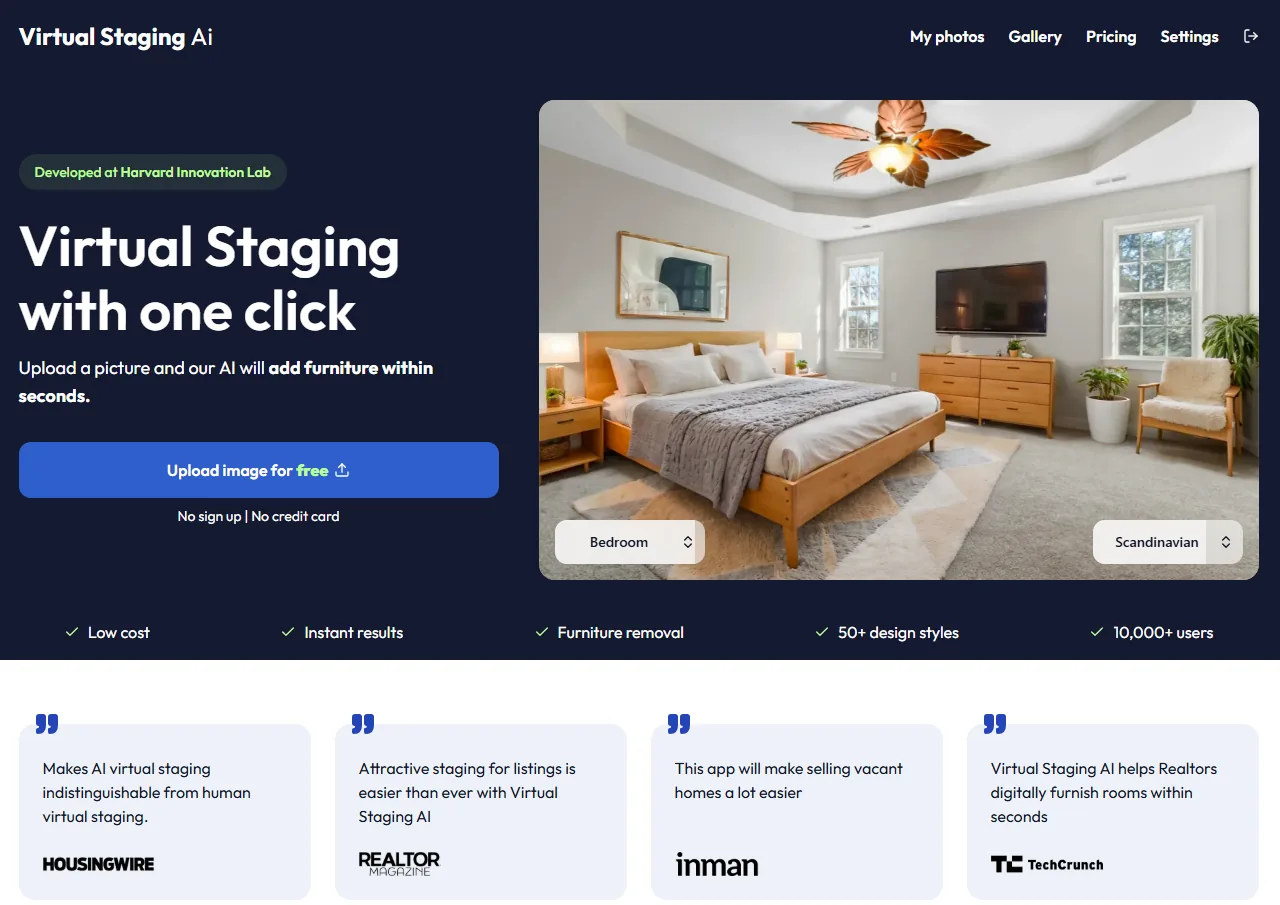
| Virtual Staging AI | Low-cost, high-volume staging | $16 / month | Staging & furniture removal only | 10-second processing speed & simple dashboard |
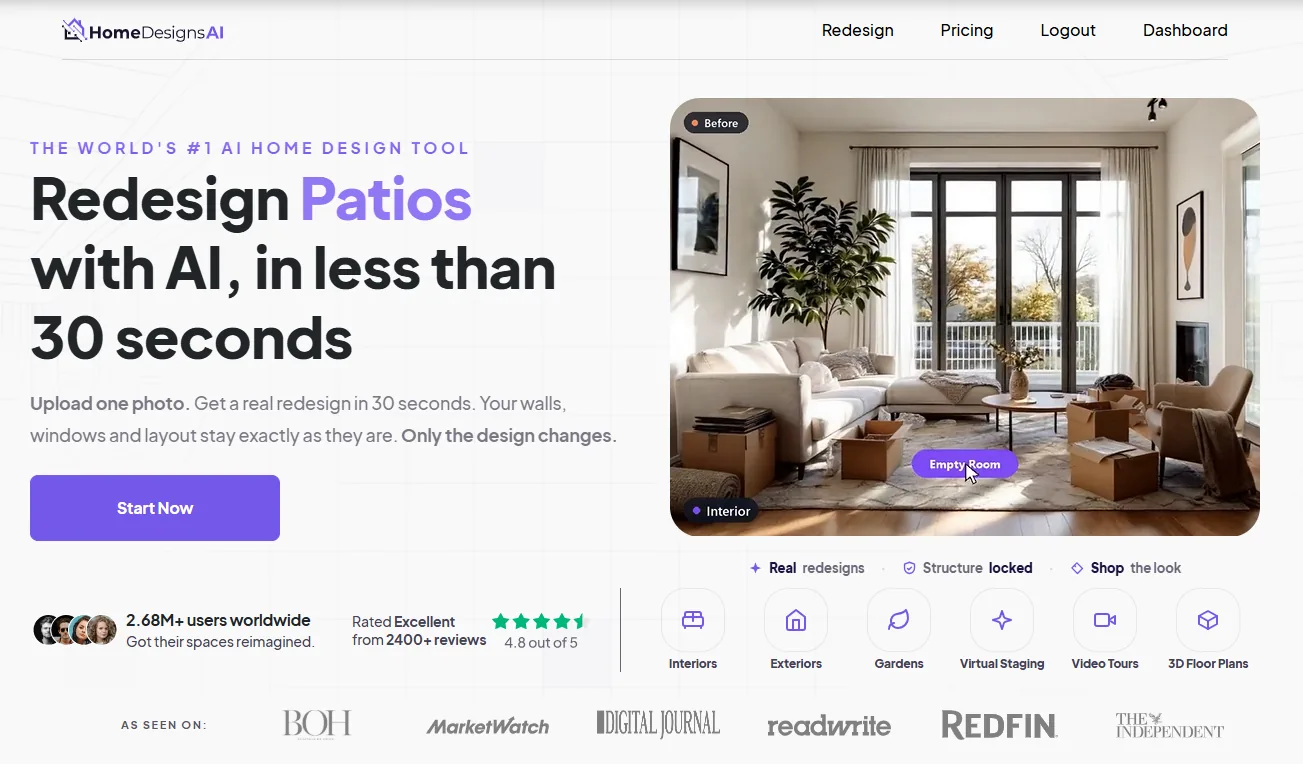
| HomeDesigns.AI | Broad design & landscape suite | $9 / month effective | Interiors, exteriors, landscape, & remodeling | Highly flexible garden & curb appeal modules |
| Redraw | 3D rendering & blueprints | Pay-per-photo | 3D architectural modeling | Not directly comparable — requires blueprints as input |
When compared to Virtual Staging AI, Collov AI is slightly more expensive at the entry tier but offers a much broader functional path. Virtual Staging AI remains a focused staging-only tool, making it highly efficient and cost-effective if you only need to dress empty rooms. However, if your business requires environmental adjustments like sky swaps, twilight conversions, or virtual video tours, Collov's Advanced and Premium plans offer these advanced features in a single subscription.
What real users say
By analyzing public feedback across major technology review platforms like Trustpilot and G2, we identified consistent sentiment themes among real estate professionals who use Collov AI in their daily operations. This feedback highlights both the strengths and weaknesses of the software under real-world conditions.
On the positive side, users consistently praise the platform's fast turnaround times and the impressive feature set of the Advanced and Premium tiers. The conversational AI Chat Edit is frequently noted as an exceptional time-saver, allowing users to tweak furniture colors and placements using simple text prompts. Conversely, some users point out that the Standard tier feels too restricted compared to the Advanced tier, as it lacks environmental edits entirely. Additionally, a few stagers mention that the automated furniture placement sometimes requires multiple generations to achieve their preferred layouts. Overall, the consensus remains highly positive, with users emphasizing that Collov's feature range offers excellent value for active marketing teams.
Is Collov AI MLS-compliant?
Using digital staging ethically and legally is a critical responsibility for real estate professionals. Violating local Multiple Listing Service (MLS) rules can result in heavy fines, administrative penalties, and a loss of client trust. MLS organizations are increasingly active in monitoring listings for deceptive or misleading imagery.
The standard guideline for digital staging is: Add, Don't Remove.
Under NAR guidelines and local MLS regulations, you are permitted to virtually add non-permanent decorative elements, such as furniture, rugs, wall art, and plants, to help buyers visualize the room's potential. However, you are strictly forbidden from altering permanent physical features, such as painting over visible water damage, removing nearby utility lines, changing permanent window designs, or hiding structural defects. While Collov's Advanced plan features material overlays that let you swap out cabinets, flooring, and countertops, these renovations must be clearly disclosed as "virtual design concepts" in your listing descriptions to avoid misleading potential buyers.
California AB 723: what changed in 2026
Since January 1, 2026, California's AB 723 (Business & Professions Code §10140.8) requires real estate licensees who advertise a property with a digitally altered image to (1) place a reasonably conspicuous statement on or next to the image saying it has been altered, and (2) provide a link, URL or QR code to a publicly accessible location showing the unaltered original. It covers added, removed or changed elements such as furniture, fixtures, flooring, paint, landscaping and facade. Routine edits — lighting, exposure, white balance, colour correction, cropping, straightening — are exempt as long as they do not change how the property is represented. Agents outside California should check their own MLS rules. This is general information, not legal advice.
Who should use Collov AI — and who shouldn't
Collov AI is an exceptional fit for real estate agents, brokerages, and listing teams who manage diverse marketing needs and require an all-in-one visual suite. Its combination of rapid staging, twilight conversions, material re-texturing, and virtual tour generators makes it highly efficient for active marketing managers. It is also well-suited for professional listing photographers who want to offer twilight edits and 3D tours as high-margin add-on services.
Conversely, Collov AI is not the best choice for agents with very low, sporadic listing volume. If you only list one or two vacant properties a year, the monthly subscription model and credit reset policy will likely result in paid, unused capacity. Additionally, if you strictly need straightforward interior furniture staging at the lowest possible volume cost, you will find simpler staging-only options like Virtual Staging AI to be more cost-effective.
Our verdict
With an overall editorial score of 8.2 out of 10, Collov AI stands out as a highly ambitious, comprehensive, and powerful platform for virtual staging and environmental photo editing in 2026. By structuring its subscription plans around distinct functional unlocks—from basic staging up to twilight conversions, material replacements, and virtual video tours—it offers a highly flexible path for growing marketing teams. While the credit reset policy requires careful budget planning, the platform's exceptional feature breadth represents outstanding value for active real estate professionals.