How we ranked these tools
Our rankings are built strictly on authentic, hands-on evaluations conducted on real property listing photos rather than vendor promotional kits or idealized demo files. Each tool is tested across consistent interior environments—ranging from standard vacant bedrooms and wide-angle living rooms to occupied properties requiring item removal. We do not accept sponsored placements that alter our rankings or review scores.
When assessing virtual staging software for listing readiness, our scoring framework evaluates six core criteria:
- Staging Realism: How accurately the AI interprets perspective angles, wall junctions, ceiling heights, and natural ambient window light without placing floating or disproportionately sized furniture.
- Furniture Removal: The ability to seamlessly erase existing furnishings, personal clutter, or outdated decor from occupied properties and replace them with realistic staging elements.
- Ease of Use & Turnaround: Interface responsiveness, learning curve for non-technical agents, and speed of output delivery under tight listing deadlines.
- Pricing Structure & Flexibility: Transparency of costs, commitment terms, subscription flexibility, and per-photo economics across different volume tiers.
- MLS Compliance Posture: High-resolution export quality, absence of watermarks on paid tiers, and adherence to transparent digital disclosure expectations.
- Breadth Beyond Staging: Additional capabilities such as exterior curb appeal enhancement, architectural sketch-to-render modeling, and listing photo retouching.
To understand more about our testing standards and editorial independence, explore our detailed background on our About page.
Comparison at a glance
The table below compares the four ranked virtual staging platforms across their verified scores, primary strengths, pricing models, free access options, and standout architectural features.
| Tool | Score | Best For | Pricing Model | Free Tier | Standout Feature |
|---|---|---|---|---|---|
| 1. Virtual Staging AI | 8.5 / 10 | Best overall for listing photos | Entry plans from around $16/month; heavier plans reach the high double digits; effective cost lands roughly between $0.50 and $2.70 per photo depending on tier and billing period | Time-limited trial | Furniture removal on occupied listings; per-photo economics |
| 2. HomeDesigns.AI | 8.4 / 10 | Best all-rounder beyond staging | Starts in the sub-$15/month range and scales into the high double digits | Free tier available | Interior staging plus exterior/curb appeal and renovation visualisation in one tool |
| 3. Collov AI | 8.2 / 10 | Best for photo editing alongside staging | Entry tiers in the low double digits per month, with agency tiers well into three figures | Free generation (watermarked exports) | Editing suite, twilight conversion, virtual renovation |
| 4. Redraw | 8.1 / 10 | Best for architectural rendering | Free tier available; paid plans from the low teens per month upward | Free tier available | Brush tool, reference image, turning drafts and wireframes into photoreal renders |
1. Virtual Staging AI — Best overall for listing photos
Virtual Staging AI secures our top ranking for 2026 as the most efficient, reliable platform for everyday real estate listing photography. Developed with research roots originating at the Harvard Innovation Lab, the platform solves the single biggest bottleneck facing active agents: producing natural, photorealistic room staging in approximately ten seconds without requiring any manual 3D modeling or graphic design skills. Its spatial algorithms consistently identify wall corners, ceiling beams, and ambient light sources, grounding sofas, dining tables, and accent decor with natural drop shadows.
Where Virtual Staging AI particularly shines is its furniture removal capability on occupied listings. Agents dealing with cluttered rental properties or outdated seller furnishings can digitally clear the space and overlay fresh, contemporary staging in a unified workflow. Furthermore, its per-photo economics remain among the strongest in the industry: with entry plans from around $16/month and heavier plans reaching the high double digits, the effective cost lands roughly between $0.50 and $2.70 per photo depending on tier and billing period.

Exceptional speed, highly accurate spatial perspective, robust furniture decluttering on occupied listings, and transparent per-photo economics.
Strictly dedicated to interior staging; it lacks exterior yard remodeling, twilight photo conversion, or multi-angle architectural rendering tools.
Who it suits: Residential listing agents, busy brokers, and real estate photographers who need fast, predictable, MLS-ready staging for vacant and occupied homes without unnecessary software complexity.
2. HomeDesigns.AI — Best all-rounder beyond staging
HomeDesigns.AI takes the second spot in our rankings as the most versatile multi-module design suite available today. While many platforms restrict their tools solely to placing couches in empty rooms, HomeDesigns.AI functions as an end-to-end property visualization engine. A single subscription provides access not only to interior virtual staging, but also to exterior facade redesign, lawn and patio landscaping, and full structural renovation modeling.
This multi-module breadth allows agents marketing fixer-uppers or dated properties to show prospective buyers what a dated ranch home looks like with fresh siding, modern landscaping, and an updated kitchen. Pricing starts in the sub-$15/month range and scales into the high double digits for heavy credit allocations, with commercial licensing included across paid tiers. A free tier is also available for testing preliminary room styles.
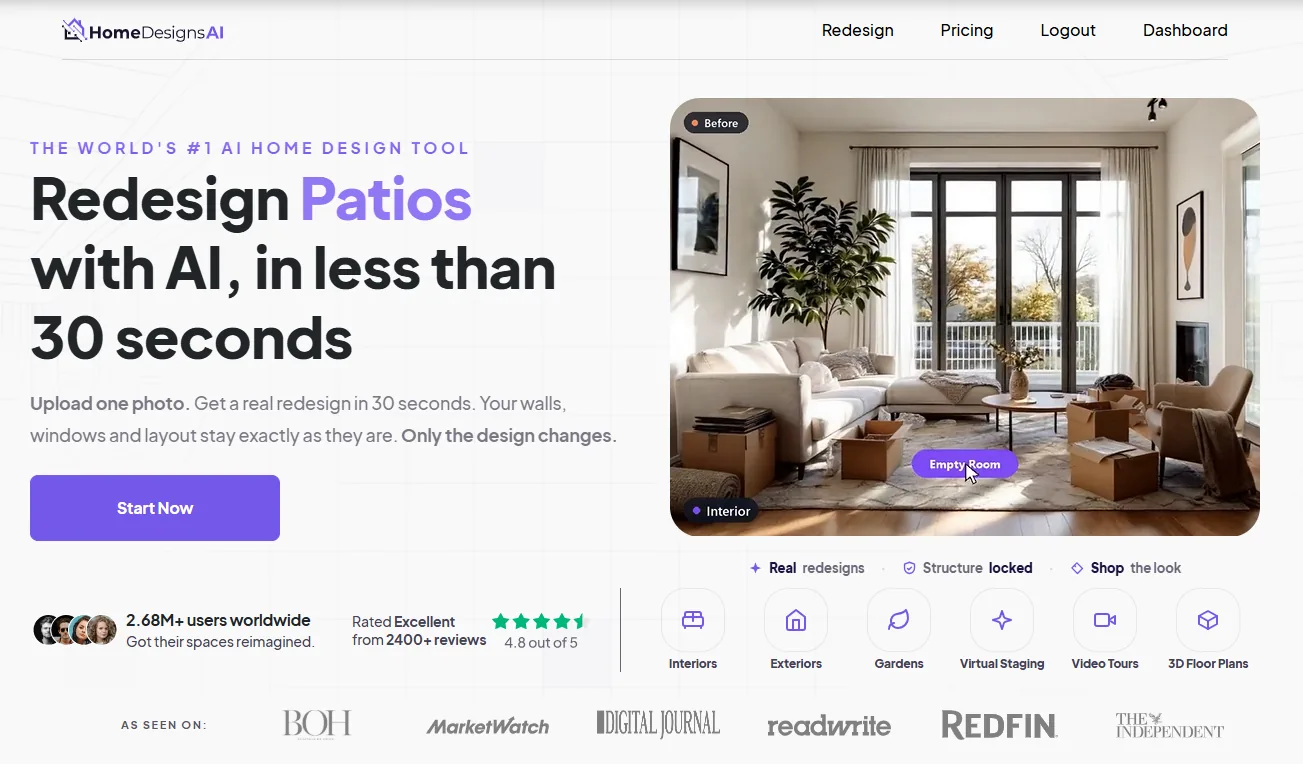
Combined interior staging, exterior curb appeal enhancement, and renovation visualization within a single unified platform.
The sheer breadth of tools means a steeper interface learning curve; managing credit balances across different modules requires ongoing attention.
Who it suits: Full-service real estate professionals, remodelers, and listing agents handling properties that need exterior curb appeal upgrades or cosmetic renovation concepts alongside interior staging.
3. Collov AI — Best for photo editing alongside staging
Collov AI earns third place in our benchmark by offering an integrated real estate media production studio. Based in Silicon Valley, Collov AI bridges the divide between virtual furniture staging and advanced listing photo post-processing. Beyond standard empty room staging, its suite encompasses virtual renovation, conversational prompt-based image edits, day-to-dusk twilight conversions, and sky replacement tools designed to elevate listing photo packages.
Its staging renders feature clean, soft lighting and attractive furniture packages that align with current interior design trends. For media teams and brokerages, having photo retouching and virtual staging consolidated in one workspace eliminates the need to switch between disparate software packages. Pricing features entry tiers in the low double digits per month, with agency tiers well into three figures depending on team seats and advanced video features.

Rich media suite incorporating virtual staging, day-to-dusk twilight transformations, sky replacement, and conversational object editing.
Heavy feature tier gating: key capabilities like conversational editing and video walkthroughs require climbing into higher, significantly costlier plans.
Who it suits: Real estate photography studios, marketing teams, and tech-forward brokerages seeking to consolidate listing photo enhancement and virtual staging into one media pipeline.
4. Redraw — Best for architectural rendering
Redraw stands out as an architectural visualization specialist rather than a conventional 2D photograph stager. Designed specifically for architects, custom home builders, and pre-construction marketing teams, Redraw accepts hand-drawn architectural sketches, CAD wireframes, and raw 3D models, transforming them into photorealistic renders in roughly 20 to 40 seconds directly in the web browser.
The software offers granular artistic control through its selective brush tool—allowing users to repaint specific textures, swap out materials, or adjust architectural elements—and its reference image capability, which transfers color palettes and lighting atmospheres from sample photos onto generated renders. Redraw provides a free tier available for initial project testing, while paid plans from the low teens per month upward offer expanded render capacity without long-term contracts.

Turning conceptual wireframes and rough sketches into photoreal renders; selective brush retouching and reference image styling.
Not intended for direct 2D smartphone photo staging; requires architectural models, blueprints, or sketches as primary input geometry.
Who it suits: Architects, builders, interior designers, and agents selling pre-construction developments or gut-rehab properties from blueprints and draft floor plans.
Which one should you choose?
Because virtual staging software serves distinct real estate use cases, the right choice depends on your specific listing inventory, technical comfort, and workflow requirements:
If your property is tenant-occupied or filled with personal belongings, Virtual Staging AI provides the cleanest furniture removal and restyling engine to prepare the home for listing photos.
When you only need a handful of vacant room photos staged affordably, Virtual Staging AI offers high-speed per-photo volume economics, while Redraw provides low-commitment entry options for rendering.
If you are marketing an older home or fixer-upper that requires curb appeal visualization, facade repainting, or kitchen remodels alongside interior furniture, HomeDesigns.AI delivers the full package.
When presenting pre-construction developments, building plans, or rough hand sketches, Redraw converts conceptual geometric drafts into photorealistic architectural renders without heavy local software.
Virtual staging and MLS rules
Virtual staging provides immense marketing power, but listing agents must navigate MLS regulations with care. The fundamental principle across virtually all real estate boards is transparency: virtual staging is designed to help buyers visualize potential furniture arrangements and aesthetic flow, not to misrepresent the physical reality of a property.
To stay compliant and maintain trust with potential buyers and fellow agents:
- Always Disclose Virtual Staging: Add a clear, prominent watermark or text overlay stating "Virtually Staged" on every modified photo, and explicitly disclose in the public remarks that virtual staging has been used.
- Preserve Permanent Fixtures: Never use virtual staging or AI editing to remove permanent structural elements like support columns, low ceilings, or power lines, nor to hide water damage, wall cracks, or foundation defects.
- Provide Original Photos: Whenever practical, include the original unedited photo of the empty room immediately following the staged rendering in your MLS photo sequence.
For a step-by-step walkthrough on preparing your listings responsibly and executing professional staging workflows, see our comprehensive guide on how to virtually stage a home.
Frequently asked questions
How much does virtual staging cost?
Virtual staging costs vary based on the software subscription tier and image volume. Entry-level plans typically start in the low teens to around $16 per month, scaling up into the high double digits for heavy monthly usage, while enterprise or agency tiers reach into three figures. On subscription plans, the effective cost per staged photo generally ranges between $0.50 and $2.70 depending on your commitment and volume. For a full breakdown of subscription models and per-photo pricing, consult our detailed Virtual Staging Cost Guide.
Is AI virtual staging good enough for MLS listings?
Yes. Today's top AI virtual staging engines calculate room perspective, wall corners, and natural window lighting with remarkable accuracy. High-performing tools produce sharp, photorealistic listing images that easily meet MLS presentation standards, provided you export at maximum resolution without watermarks and adhere to proper digital disclosure standards.
Is there free virtual staging software?
Several tools provide free tiers or introductory trials. For example, Redraw and HomeDesigns.AI both maintain free tiers that permit testing core styles without upfront payment. However, permanent free options generally apply limitations such as lower export resolutions, export volume caps, or visible watermarks. For commercial MLS listings, upgrading to paid plans ensures clean, high-resolution imagery. Learn more in our guide to Free Virtual Staging Software.
How long does AI staging take?
Automated AI staging platforms typically process an interior room photo in approximately 10 to 40 seconds. This is vastly faster than traditional manual 3D staging agencies, which frequently take 24 to 48 hours to return finished drafts.
Do I need to disclose virtually staged photos to buyers?
Yes. Real estate ethics standards and MLS regulations across almost all boards mandate clear disclosure when listing photos are virtually staged. Labeling images as virtually staged and pairing them with unedited photos in your listing gallery ensures transparency and protects against potential misrepresentation disputes.
Can virtual staging software remove existing furniture?
Yes. Dedicated platforms like Virtual Staging AI feature powerful decluttering engines that erase tenant furnishings or outdated decor from occupied properties and replace them with modern staging. Multi-module platforms like HomeDesigns.AI and Collov AI also include redesign and selective retouching capabilities.